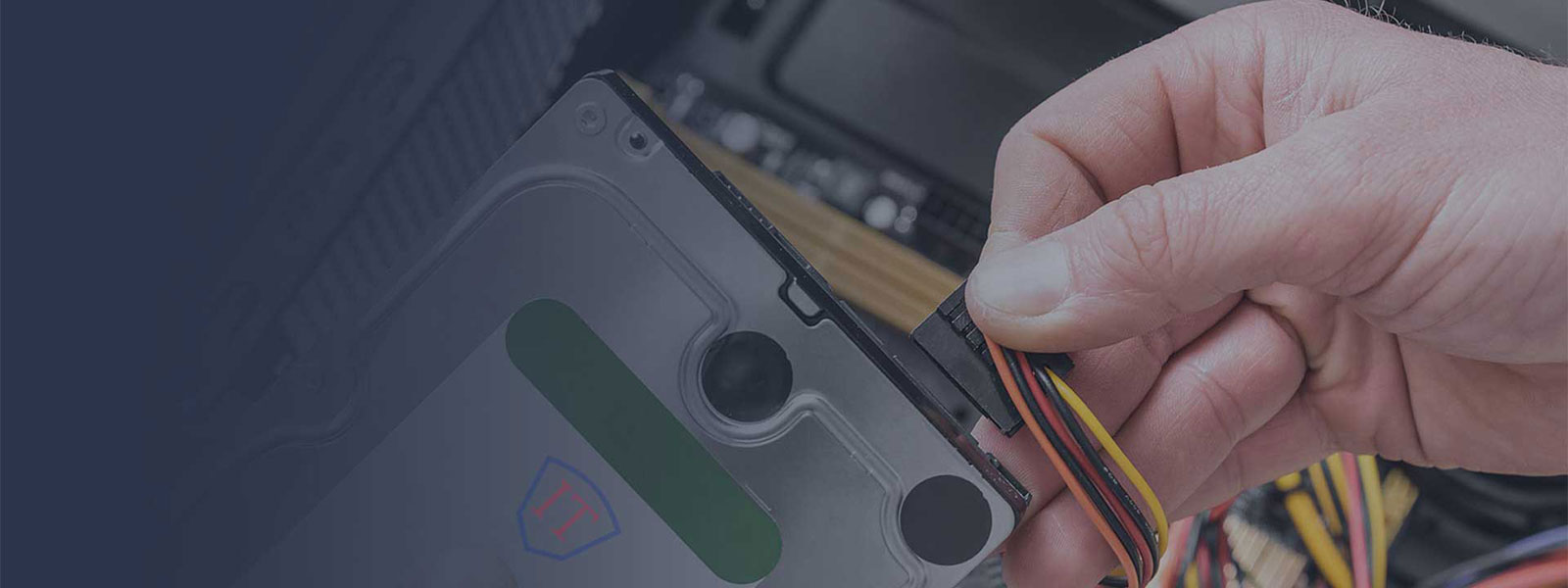
Hard Drive Cloning: Upgrade to an SSD or a Bigger Drive
Move Windows or macOS, your programs and files to an SSD or a bigger drive — without reinstalling anything.
If you have bought a new SSD or a bigger drive, reinstalling the operating system and all your applications takes a lot of time. We copy everything as it is, and your computer starts from the new drive just as before — only faster or with more space.
Pro Technologies offers a professional hard disk duplication service for any size IDE, USB, SATA & Solid State hard drive. We can copy both internal and external hard drives with no limits on the amount you need copying. We have many years of experience and here are some reasons why you should contact us!
- Experience: our technicians are experienced professionals.
- Quality of work: not everyone is as qualified as we are.
- We work fast: most jobs take no more than 3 days, often less.
- We provide a service across the UK: post or courier your drive to us and we will send it back the same way. Shipping in both directions is paid by the customer.
What duplication method do we use?
We copy each hard drive using bit-for-bit technology because this method ensures that the original hard drive and its copy are identical. This method allows us to copy the data format of a hard disk drive. We copy RAW blocks of data, but not files and folders. We use special professional duplication equipment to do this job.
How does the duplication process work?
- Send us your hard drive for an exact copy
- We’ll scan it for viruses and test it to make sure there are no errors
- The hard drive will then be cloned so that the data on the original and copy are exactly the same
- The copies will be checked and packaged securely for shipment
What formats can we duplicate?
- IDE
- SATA
- USB 2.0 & USB 3.0
- Solid State
- Internal & External
- MAC, PC, Linux, Unix, Audio, Data, Game
Duplication creates an exact replica of the original hard drive, avoiding the need for individual software reinstallation. Check out our services to find out what computer repair services you need, or give us a call and one of our qualified managers will be happy to help!
Why choose us?
Fixed Pricing
Clear fixed prices with no hidden charges.
Quality Counts
Experienced, qualified technicians.
We Are Fast
Most jobs done in 2–3 days.
OnSite Services
Home and office visits across London.
Frequently asked questions
How do I get my computer or drive to you?
Post it or send it by courier at your own cost, well packed. Place an order first and we will send you the delivery address. We do not collect.
How do I get it back?
We return it by post or courier. Return shipping is paid by the customer.
How long does it take?
Up to 3 days after your drive arrives, often sooner.
How much does it cost?
- SSD or bigger drive fitted in your computer or laptop, with the system, programs and files transferred: £90.
- Drive-to-drive copy when you send us both drives: £75.
- Moving to an SSD smaller than your old drive: priced individually.
The new drive itself is not included in the price.
Order SSD upgrade Order drive-to-drive copy
What should I send?
Either your computer or laptop together with the new drive — we fit it and transfer the system — or just the two drives, the old one and the new one. If you do not have a new drive, we can choose and supply a suitable one by agreement with you, paid in advance.
Will I get all the space on a bigger drive?
Yes. We extend the partition so the full capacity of the new drive is available.
My new SSD is smaller than the old drive. Can you still do it?
Yes, as long as your data fits on it. This needs a different method with an intermediate image of your system, so it takes longer and is priced individually — contact us for a quote.
Can you upgrade any laptop?
Not every one. Many modern laptops have storage soldered to the motherboard; it cannot be replaced, so we do not take these jobs. If you are not sure, send us the model and we will check.
Do you work with RAID arrays or server drives?
No, we do not clone drives from RAID arrays or server drives (such as SAS).
What happens to my data?
We clone the drive sector by sector, copying raw blocks rather than files, so we never open your data and do not even know what is on the drive. We do not keep a copy after the job.
What if the drive has errors?
We scan and test every drive before cloning. If we find problems, we contact you before going any further.